


Why a custom tracker inside Teams works better
Off-the-shelf systems promise to “fit every firm”. In reality, most professional practices end up bending their process to match someone else’s product. A lightweight, custom tracker built with Power Apps and Dataverse inside Microsoft Teams does the opposite: it adapts to your stages, vocabulary and approvals, while keeping documents and conversations where they already live. The result is adoption. People use what feels native and what actually mirrors their day-to-day work.
The data you really need — and nothing you don’t
Tracking software fails when it turns into a form graveyard. Start with a minimal model that reflects the language your teams use: Client, Engagement/Project, Tasks, Documents, Approvals and Notes. Each has a clear relationship to the others, and each pulls its files from SharePoint rather than inventing new storage. Add a handful of fields everyone understands — stage, owner, due date, status, a couple of tags — and resist the urge to capture everything “just in case”. You can extend later; you can’t un-clutter easily once people switch off.
Designing an interface people don’t resent
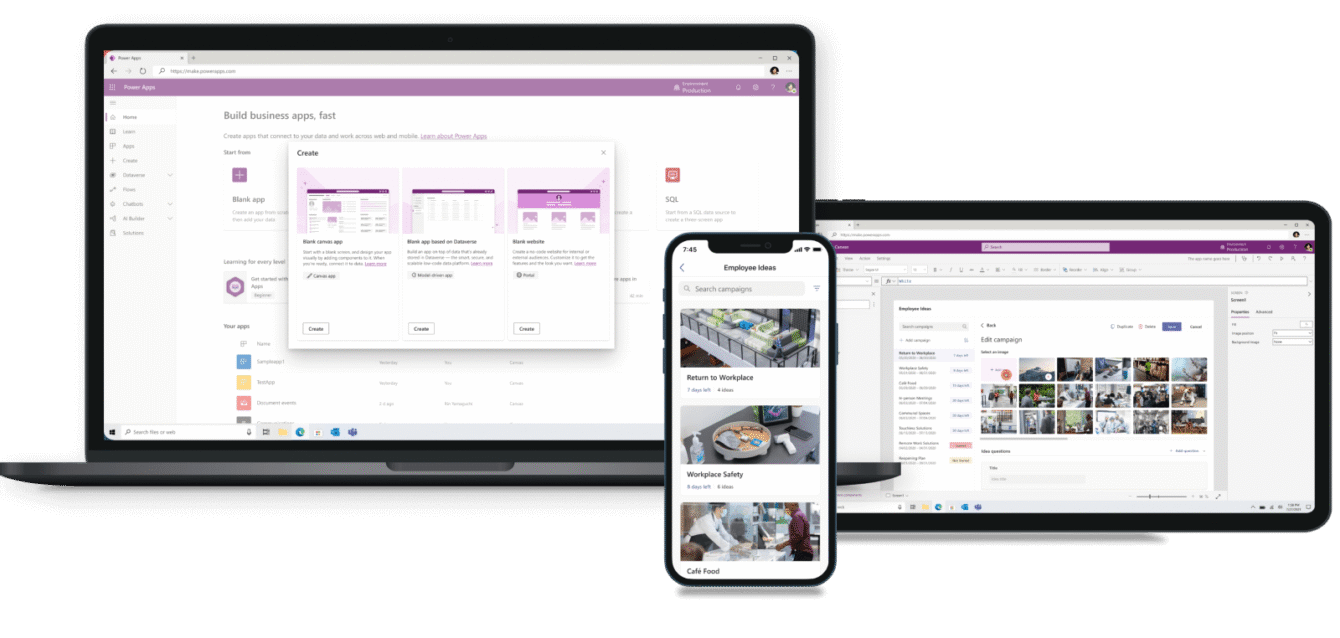
Good tracking interfaces respect attention. The home screen should answer three questions without scrolling: what am I responsible for, what’s due soon, and what’s blocked. The project page should show a summary at the top (client, stage, owner), a simple status and checklist in the middle, and relevant notes and approvals to the right. If it takes more than a minute to find “what’s next”, the interface is doing too much. Keep forms short, validate inputs to stop junk, and make common actions a single click from the place people already are.
It helps to surface a few friendly affordances:
- Filters that match how managers think: by practice, by stage, by owner, by due.
- Links that open the exact SharePoint folder or file you need.
- Inline “request document” triggers that automatically notify the right person and tag the record.
Automations that remove friction (not freedom)
Automation supports judgement; it doesn’t replace it. Use Power Automate to handle events humans forget or dislike: posting a neat summary when a stage changes, nudging a task that’s approaching overdue, routing an approval to the right approver with the file attached, or compiling a Monday morning “this is what’s coming” digest by team. Because everything lives within your Microsoft tenant, notifications respect existing permissions and audit trails are baked in.
Reporting that drives better conversations
A tracker earns its keep when it improves decision-making. Basic charts — throughput by week, average time in stage, overdue items by owner, workload by manager — are usually enough to change behaviour. The point isn’t a dashboard with 30 gauges; it’s a small set of views that let partners ask sharper questions and unblock work earlier. If you already have Power BI in play, great — but don’t wait for perfect visuals before you start. A filtered list that’s always accurate beats a glossy dashboard fed by outdated spreadsheets.
Security, governance and performance
Because the app runs inside your Microsoft environment, you keep control. Use role-based groups for access, and keep sensitive engagements in private channels or separate sites as needed. Separate development from production for Power Apps and flows so experiments don’t break live work. Audit history matters more than most people expect; capturing who changed what and when often resolves disputes in seconds. Keep the app responsive by loading data selectively, patching in batches, and pruning views that return thousands of records.
How to roll it out without drama
Start with a single team who feel the pain and want the fix. Release the smallest version that replaces the ugliest spreadsheet, sit with the users for a week, and adjust labels and fields until it reads in their language. Write a two-page “how we use it here” guide and run 30-minute sessions for the roles that touch it. When you’re confident, replicate the pattern to other teams with their own minor tweaks. The point is momentum, not a grand reveal.
What success feels like
People stop asking where the status lives. Approvals take hours instead of days. Managers discover issues before the deadline rather than after it. Documents are in the right place the first time. And, quietly but predictably, billable work nudges up because less time is sunk into administrative reruns. That’s a win worth designing for.